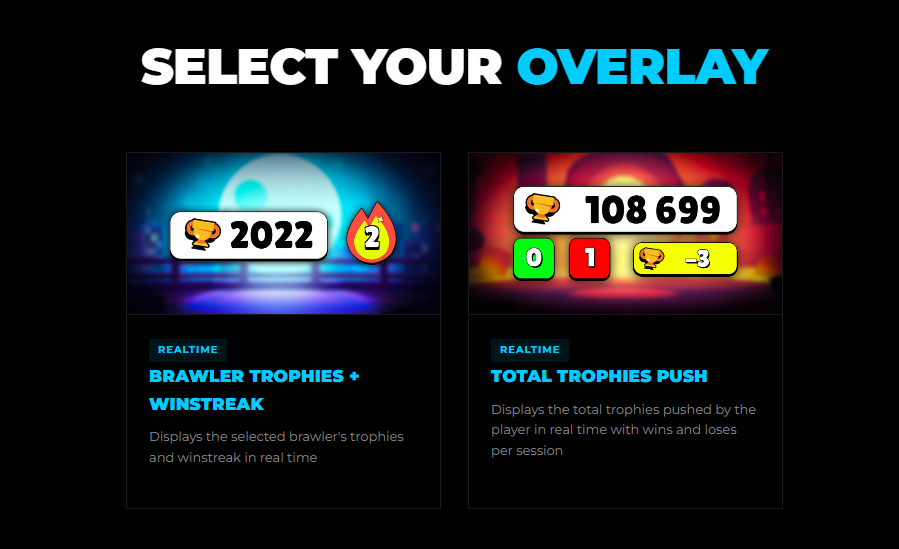
Go to Overlays Menu, select an overlay, and click on it.
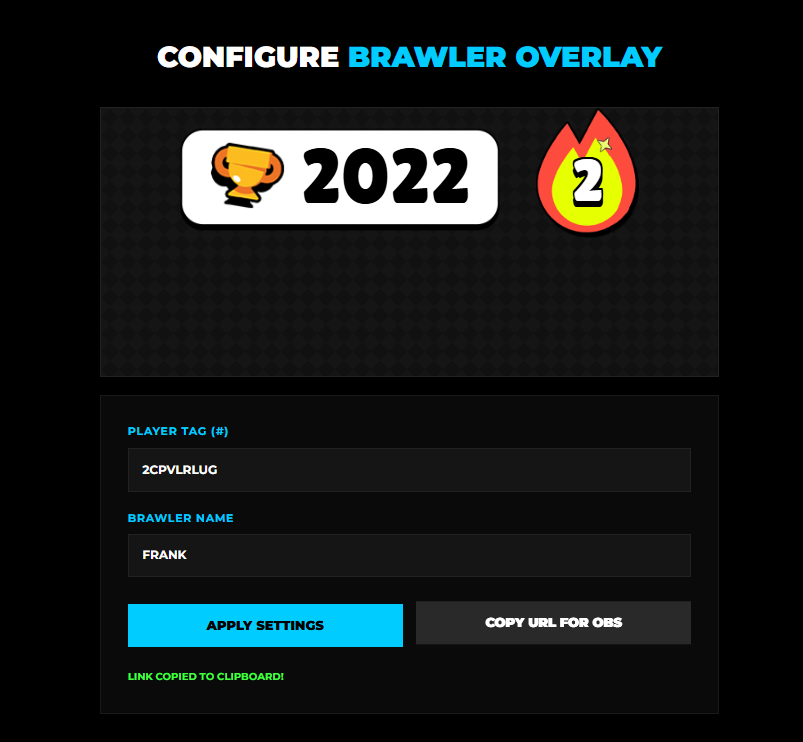
After selecting an overlay, you will see a preview and options to customize it. Once you're done, click "Apply Settings" and then "Copy URL" to generate the link for OBS.
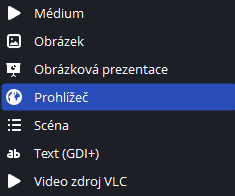
Open OBS Studio or any other streaming software, go to your Sources dock, click the + icon and select Browser Source.
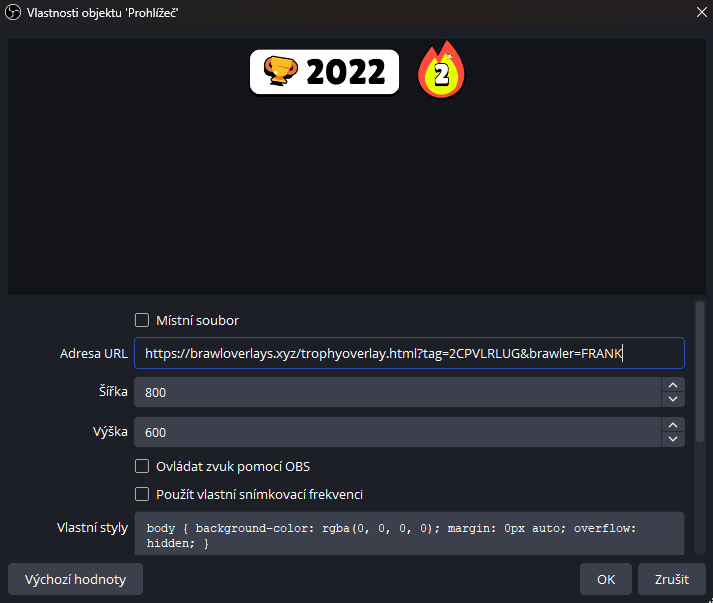
Paste the copied URL into the URL field. We recommned setting width and height to 800x600.
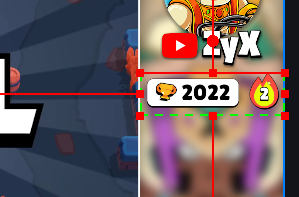
Using the resize handles, adjust the size of the overlay to fit your needs. You can use shortcut CTRL+ALT to cut the browser window so you can use it smoothly.